Cursor as a Harness: I Moved My Scrum Master Career Into a Code Editor
A developer's IDE is the most powerful Agile tool ever made. I stopped being a human API and built a visibility engine to manage three teams. Here is how.

A few weeks ago, I was walking through Vancouver with Joe Scherler after the Global Scrum Gathering. We were still buzzing from three days of coaching talk and continuous improvement rants. To decompress, we started talking shop about tools. He told me about his Claude Code workflow.
He wasn't showing me a screen. We were just walking and talking. I was jealous. Pure, unfiltered professional envy.
He had the entire context of his system living in one place. He could ask a question and get a real, data-backed answer about the state of his delivery pipeline. Me? I had prompts and tools I'd built over time. Useful, sure. But nothing long-lived. Nothing that remembered yesterday. I had Jira dashboards, a calendar full of back-to-back events, and gut feelings.
After the envy wore away, a question hit me. What do I have that can live in long context in a platform I actually have access to?
I wasn't flying blind. I could see the work fine. I just never really got off the ground with an AI partner at work.
It wasn't that I'd made a wrong turn. I was using the tools the enterprise handed me, same as everyone else. But that one conversation exposed a gap I'd stopped noticing: the distance between where software actually gets delivered and the administrative layer where so many of us are forced to live.
I wanted a better way to see the work. So I built one.
The Data Blindness Epidemic
Engineering leaders are currently staring at AI dashboards like they’re winning slot machines. Charts go up and to the right. Lines of code are exploding. But the house is quietly draining the bank account.
The data is alarming. A 2025 study by Jellyfish found that 61% of companies are increasing engineering budgets, but only 20% of teams actually use engineering metrics to measure AI's impact on delivery. We are generating code so fast we've outpaced our ability to understand it.
The psychology behind it is the real trap. A 2025 empirical study by METR found that developers using AI tools took 19% longer to complete tasks. Yet, when surveyed, those same developers believed they were 20% faster.
I call this the vibe coding illusion.
When delivery breaks down, leadership turns to the Scrum Master. But the modern Scrum Master is trapped. Organizations stretch them across three or four teams to pretend they’re saving money. If one Scrum Master costs $120K, we just saved $360K by not hiring three more.
Here is the math. Gerald Weinberg's context-switching heuristic from Quality Software Management pegged this decades ago: working across two simultaneous contexts cuts cognitive productivity by 20%. Three contexts? That’s a 40% hit. Every time you switch from Sprint Planning with Team A to troubleshooting Team B's broken deployment pipeline, you pay a tax.
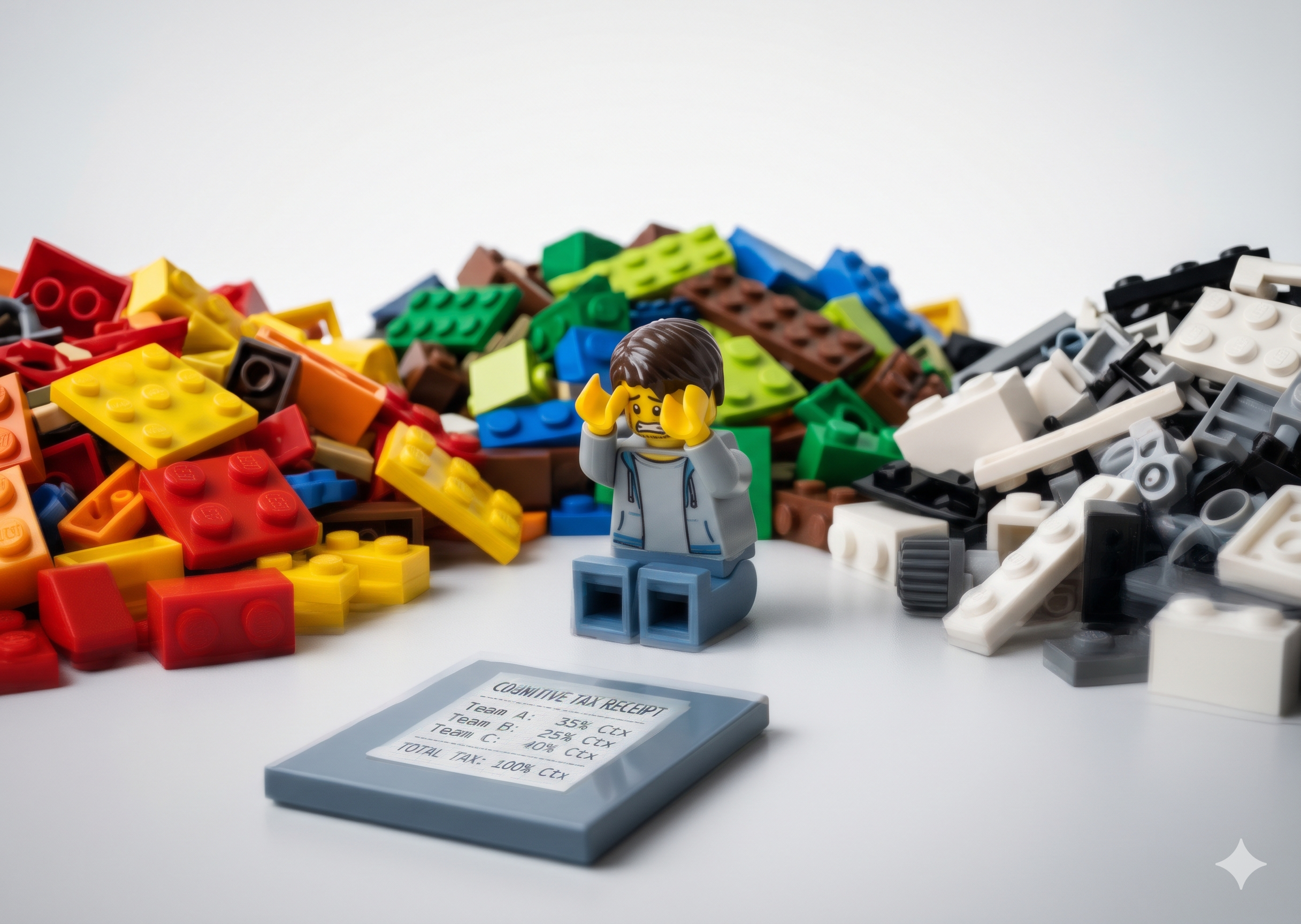
You stop being a coach. You become a highly-paid meeting scheduler.
Bob Galen captures the collateral damage perfectly. "Pushing teams beyond healthy capacity leads to decreased employee satisfaction, lower morale, increased attrition, and compromised product quality." Today, he might add "less value delivered." He isn’t just talking about developers. This applies to the coaches too.
This blinds the organization. Salesforce and Michigan Ross found that 80% of business leaders agree data is critical to decision-making, but most fail to use it because they lack data fluency. That blindness trickles down. A team sits in its own retrospective and asks why the sprint fell apart. "We didn't communicate well" gets offered up. It was never a good answer. It’s a guess dressed up as a diagnosis. Without data in the room, nobody can prove otherwise. So the same guess shows up again next sprint.
Moving Into the Code Editor
The industry historically told Scrum Masters to stay out of the code. Focus on the humans, facilitate the events, and let the developers handle the technical tools.
Corporate AI tools have actually gotten better. I wrote about that here. Copilot 365 will happily summarize an Outlook thread or catch you up on a Teams channel you ignored. But it lives where the status updates happen, not where the work happens. For understanding delivery, it’s the right tool aimed at the wrong layer.
So, I moved my career into a code editor.
Specifically, Cursor. It isn't necessarily the ultimate tool, but it's available today and it works. I am not a software engineer. I don't write production code. But I've burned through billions of tokens in these tools over the last couple of years. Somewhere in all that usage it hit me: a developer's IDE is the most powerful Agile tool ever made. It is a data-rich coaching harness waiting to be built.
As I often say, constraints breed creativity. I didn't want a generic Agile app. I wanted a system that could read my specific reality, connect to my Jira data, and show me where value was actually getting stuck.
This wasn't my first run at the problem. I’d tried to solve this before using Copilot as the agent, but I found myself trapped in the friction. It wasn't the overhead of naming or hosting that killed it; it was the work required to manage inputs and outputs. I was manually pasting prompts, uploading markdown files, and then pasting back output. I wasn't the "Human in the Loop." I was the Human API. A manual bridge.
So this time I didn't build something that required me to be the middleman. I started building inside Cursor. Cursor itself, turned into a coaching harness. I named it Atlas, something built to hold up the weight I'd been carrying across teams.
The harness is a visibility engine. It takes the context-switching tax and hands the time back, synthesizing scattered data sources into a single coaching signal before I even drink my coffee. I didn't build it by writing Python from scratch. I built it with natural language.
There's a name for the skill this requires, and it isn't coding. People are calling it harness engineering. You're not building the AI model. That part already exists. You're building the scaffolding around it: the context it reads, the skills it can invoke, the memory it holds. The model is the engine. The harness decides what that engine sees. Turns out a Scrum Master spends all day doing a human version of exactly that work: gathering context, deciding what matters, holding the thread.
I leaned on Cursor's Plan Mode. Instead of reading my files, it interviewed me. It asked what I was actually trying to see and then laid out a plan before it touched a line of code.
I started small. A framework, a few skills, and I sent the whole thing to a fellow Scrum Master named Dwayne. He responded with a UI that I used all last week.
That was the moment it clicked. I'd been picturing a terminal window, a command line where I'd type queries and read text. What Dwayne sent back had charts, clickable elements, and a card of aging tickets. Everything I'd pictured typing out by hand was just there.
Building the Coaching Harness

We built the harness using a skill-share mindset.
The pushback is always the same. Enterprise IT won't let you download custom software. So we bypassed that entirely. Instead of shipping a whole new app, we share plugins and patches. Someone sends a text patch, and Cursor ingests it and folds it into the workspace. No install ticket. No security review that dies in a queue for six weeks.
And no, we aren't cowboying proprietary data out to public models. The harness points at our enterprise-approved AI tools. The UI and the memory live locally in the patch.
I borrowed the thinking from projects like OpenClaw and Hermes Agent. Not the code. The ideas. Invoking discoverable skills as needed, building persistent memory that survives between sessions. The memory is the magic. It remembers what we're actually working on with each team to improve their flow: the specific bottleneck we're attacking, the working agreement we're trying to hold. It remembers every promise made in a meeting and quietly forgotten by the next one.
This is my "Good Morning" workflow. I open Cursor. The harness runs a synthesis and gives me three specific signals.
First: throughput and flow bottlenecks. It doesn't just show me what is in progress. It tells me what is aging. Second: how much in-progress work actually maps to the current sprint goal, and whether that work ladders up to our quarterly OKRs or just feels like "busy work." Third? A ruthless, automated to-do list pulled from yesterday's forgotten promises.
I know exactly what is happening in the teams before the first standup starts. I am not asking for status. I am validating hypotheses.
Y'all don't need to be programmers to do this. You just need to know how to prompt a system that has your context loaded.
A mistake I made early with AI was treating it like a one-off. Drop in a CSV, ask a question, get an answer, close the laptop. That's not coaching. That's a search query. The point isn't to run a clever prompt and move on. The point is to stand up an agent that lives alongside you, remembers your teams, and tracks your goals week over week.
So don't paste a throwaway question. Bootstrap the partner. Here is the kind of prompt I'd start with to create a long-lived coaching agent inside Cursor (or Claude):
You are my persistent Agile Delivery coaching agent. We will work together every morning, so build and keep memory across our sessions.

Set yourself up to track, over time:
- Each team I coach: [TEAM NAMES], the specific flow problem we're working on, and their working agreements
- The current sprint goal for each team: [INSERT SPRINT GOALS] and how active work maps to it
- Our quarterly OKRs: [INSERT OKRS] and whether each team's in-progress work actually ladders up to them
- Flow health from my live Jira data: cycle time, aging tickets, and handoff bottlenecks (e.g., Dev to QA)
- Open action items and the commitments made in yesterday's notes - the promises that get made and forgotten

Each morning when I say "Good Morning," give me three things:
1. Flow signals - what's aging and where work is stuck, not just what's in progress
2. Goal alignment - how much in-progress work actually serves the sprint goal the team committed to, and whether it ladders up to our quarterly OKRs
3. A to-do list pulled from yesterday's action items and call notes

Remember what you learn about each team. When something changes, tell me what changed and why it matters before I walk into my first standup.
From there, you stop writing new prompts. You start teaching the agent new skills. Each one becomes part of the routine.
The first skill I added was sprint goal drift detection. OKRs live up the org chart, outside the team's control. But the sprint goal is the team's own commitment. It’s the thing that quietly erodes. Instead of pasting a fresh prompt every sprint, the harness now checks, every single morning, what percentage of in-progress work maps to the sprint goal. It flags any story over a set point threshold that has no clear line back to it. I'm building more: a QA-handoff latency watcher for Team A, a WIP-limit monitor for Team B. Every idea I have becomes a skill.
This has nothing to do with impressing anyone up the chain. When you're stretched across three teams, you miss things. Not because you're bad at the job: no human holds live context on three teams at once. You don't have the bandwidth to notice that Team A's blocker is the exact thing Team B has been quietly waiting on. That context lives in the gaps between teams. The gaps are where delivery goes to die. The agent holds the context you can't. It catches the drift while you're still in the standup, not three weeks later in a post-mortem. That is the difference between coaching and cleanup.
Build, Don't Generate
We have been thinking about the future of the Scrum Master role all wrong.
I wrote in The Scrum Master Credibility Crisis Isn't About Facilitation that leadership questions this role because we fail to map our value to data. We obsess over the framework. We debate story points. We argue about whether retrospectives should have themes. Meanwhile, the world changes.
Most coaches who pick up AI use it to generate. A retro summary here, a status email there. Disposable outputs you run once and throw away. Generating hands you a faster version of the busywork. It never hands you a system.
Building is different. The thing you make remembers. It compounds. Every skill you teach it folds into tomorrow's synthesis, and the agent gets sharper the longer it works alongside you. That distinction, generating versus building, is the core of a talk I'm giving at PMI Agile 2026 this July, and again at Scrum Day this October. If you're going to either one, come find me. I'll be the Scrum Master who can't stop talking about IDEs.
The future belongs to delivery leaders who build their own systems. The days of manual Excel tracking and playing calendar Tetris are over. Technical literacy is now a non-negotiable requirement for this job. You must be able to read the system that builds the system.
It is for this reason that I moved my entire workflow into an IDE.
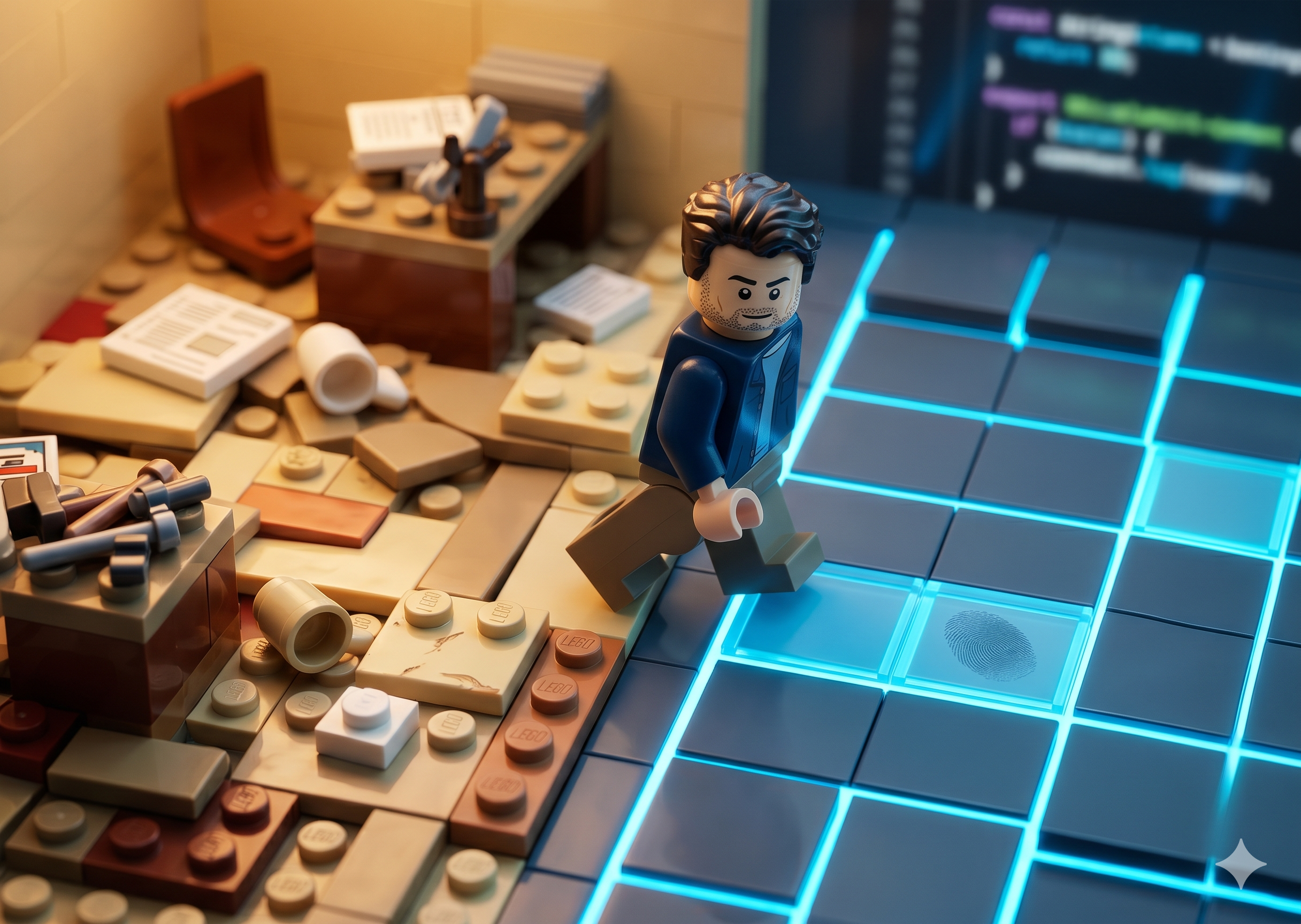
Stop generating. Start building.
Try this Monday: Download Cursor. Open Plan Mode. Don't build anything fancy yet. Just point it at your team's Jira data (Cursor's Atlassian plugin handles the connection now, no API key needed) and have it tell you the one bottleneck you've been missing. That's day one.
The answer might make you uncomfortable. But it will be the most honest coaching conversation you have all week.
Continue Your Journey
AI Development for Non-Technical Builders: Learn how to use tools like Cursor to build your own coaching harnesses and automate your daily toil without writing code.
The Second Brain: Discover how to build a persistent memory system that tracks team context, decisions, and signals across your organization.