GitHub for Everyone: Your Secret Weapon in the AI Era
Version control isn't just for developers anymore - it's how you stop repeating mistakes and start working smarter.
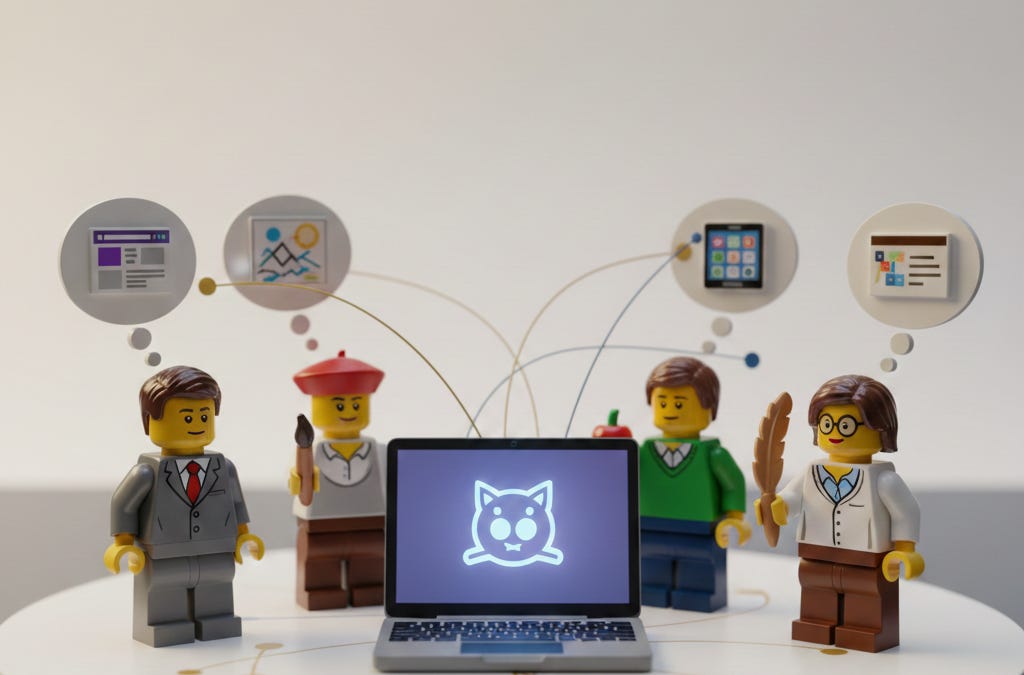
A new developer joins GitHub every 0.86 seconds.
Not hyperbole. In the past 12 months, 36 million people created accounts. The platform now hosts over 180 million users and 630 million repositories. Something fundamental is shifting.
But here’s what the statistics don’t tell you: a growing number of those “developers” aren’t traditional software engineers. They’re not writing code from scratch. They’re using AI to build things they couldn’t build before.
The 4:1 Ratio You Haven’t Heard About
Gartner predicts that by 2026, citizen developers will outnumber professional developers 4 to 1. Citizen developers are people building software without formal programming training - business analysts creating apps, marketers automating workflows, operations folks connecting systems.
Read that again.
For every person who learned to code through traditional means, four others are building software without that background. 70% of new enterprise applications will use low-code or no-code technologies by 2025 - up from less than 25% in 2020.
I’m one of those people. My degree is in business. Two decades ago I was a Geek Squad agent, not a software engineer. Yet I built triforceagility.com with AI assistance. I manage my writing across multiple computers via GitHub. I keep versions of everything.
Not because I became a developer. Because the tools became more accessible.
What Version Control Actually Gives You
Version control sounds like a technical term for a technical problem. It’s not.
You never lose work. Deleted something important? Revert to yesterday’s version. Made a wrong turn on a project? Go back to when it worked. Think of it like Time Machine on your Mac - but for everything, and free.
You stop repeating mistakes. Each commit message is a note to your future self. “Fixed the intro paragraph” or “Version before client feedback.” Looking back, you can see not just what changed, but why.
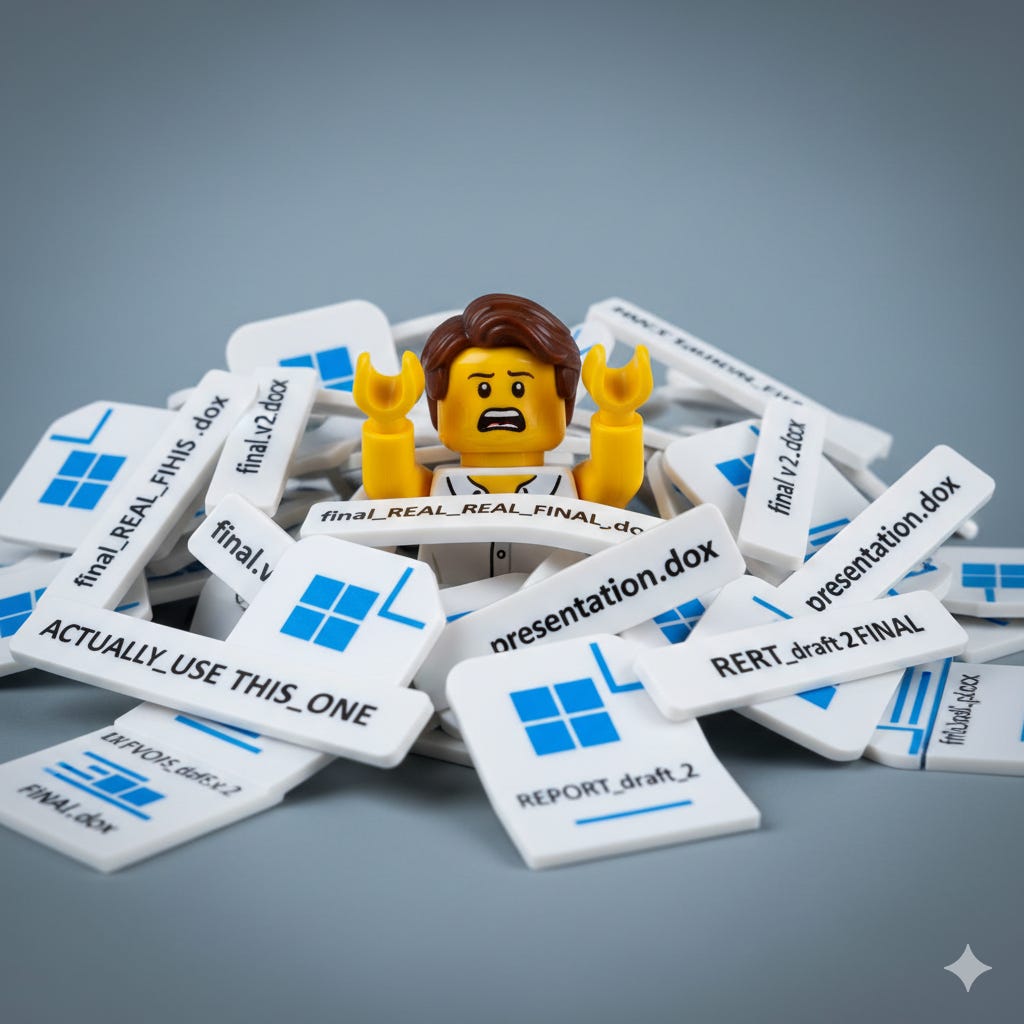
You sync across devices. Write on your laptop, continue on your desktop, review on your phone. Everything stays current without managing that familiar pile:
- “document_final.docx”
- “document_final_v2.docx”
- “document_final_v2_REAL.docx”
- “document_final_v2_REAL_FINAL.docx”
You experiment without fear. Create a branch, try something wild, throw it away if it doesn’t work. Nothing touches your main version until you’re ready.
Writers have used version control for years without calling it that. Every save-as with a date stamp. Every folder labeled “working” vs “approved.” GitHub just makes it systematic. And free.
I wish I’d learned this earlier. Years ago, I lost an entire PowerPoint the night before a big meeting - corrupted file, no backup, nothing. Rebuilt it from memory at 2am. The new version was nowhere near as refined as my original. Never again. Version control would have saved me that nightmare in about 30 seconds.
The Universal Translator

Version control solves how you manage files. But there’s another foundational skill nobody’s teaching: how you communicate with AI.
Remember the Universal Translator from Star Trek? Markdown is that - but for humans and AI. The shared language both sides understand perfectly.
Markdown is simple text formatting. You can learn the essentials in 10 minutes and be productive in 30. Here’s what it looks like:
# Heading**bold**and *italic*- bullet list itemblockquote
(The Markdown Guide is free if you want to go deeper.)
Why does this matter? Every major AI model - ChatGPT, Claude, Gemini, Copilot - speaks Markdown fluently. Structure your prompts with Markdown and AI understands your intent better. AI generates responses in Markdown naturally.
Your skills transfer everywhere. Learn Markdown once, use it with any AI tool, on any platform, forever. No relearning when you switch tools.
Plain text with Markdown survives everything. It reads the same on any device, in any application, decades from now. No format lock-in. No compatibility issues. No vendor dependency.
Learn Markdown and GitHub together. They’re the foundation for working with AI effectively.
But I’m Not Technical
I hear this objection constantly. GitHub Desktop exists specifically for people who don’t want to touch the command line. Point. Click. Sync. Done.
80% of new GitHub users try Copilot within their first week. They’re not writing complex algorithms - they’re using natural language to have their ideas materialize before their eyes.
If you made it this far, you’re probably wondering: “Okay, but how do I actually start?”
Good news. Simpler than you think.
The learning curve exists. But it’s temporary, the payoff is permanent, and AI can help you through the sticky parts. More on that in a moment.
Compare it to learning email in the 1990s. Early adopters saw something most people couldn’t - that digital communication would become essential infrastructure. Today, not using email would be career-limiting. Version control is heading the same direction.
When anyone can use AI to create software, knowing how to manage that software - version it, sync it, recover from mistakes - becomes as essential as knowing how to save a file.
Where to Start
What I’d tell someone on their first day:
- Create a GitHub account. Free for personal use, unlimited. Go to github.com and sign up.
- Get an IDE with Git built in. An IDE (Integrated Development Environment) is just a fancy text editor designed for writing code - but it works great for any text. VS Code, Google Antigravity, Cursor - any modern one has Git integration built right in. (Git is the version control system; GitHub is where your files live online. GitHub runs on Git.)
- Ask your IDE’s AI agent how to connect to GitHub. Seriously - that’s what they’re there for. Say “help me connect to my GitHub account” and follow along.
- Create your first repository. A repository is just a folder that GitHub tracks. Make one called “notes” or “projects” or whatever. Mark it Private unless you want the world to see it.
- Make a small change and commit it. Write something. Click “Commit.” Write a brief message about what you changed. Push it to GitHub.
- Do that every day for a week. Muscle memory builds fast. After seven days, you’ll stop thinking about the mechanics.
- Learn Markdown along the way. GitHub renders Markdown files beautifully. Every README.md you see is written in it. If you’re in VS Code, install the “Markdown All in One” extension for preview and shortcuts.
That’s the entire onboarding. No courses required. No certifications. Just start.
Why This Matters for You
Remember that new developer joining GitHub every 0.86 seconds? They’re not waiting for permission or a CS degree. They’re just starting.
Schools teach Microsoft Office. Companies train people on proprietary software. But nobody’s teaching the foundational skills for an AI-powered future: version control, plain text, structured communication with AI.
Most people building with AI are discovering they need version control. That number will only grow. The tools are getting better, more accessible, more powerful. The barrier to creating software is dropping through the floor.
Gartner’s 4:1 prediction isn’t hypothetical - it’s already happening. The question is whether you’re ready for a world where building things is as common as writing documents.
GitHub is free. Markdown is free. The learning curve is a weekend project. Y’all have no excuse.
Continue Your Journey
AI Development for Non-Technical Builders: Learn to build AI-powered tools even without a technical background - version control and structured thinking included.
AI Image Prompts Guide: Master the art of generating exactly the images you imagine - another skill that transfers everywhere.